Great stays start with
a connected team.
Guest service. Room readiness. Daily work.
Bring the people behind every stay together with Banto.
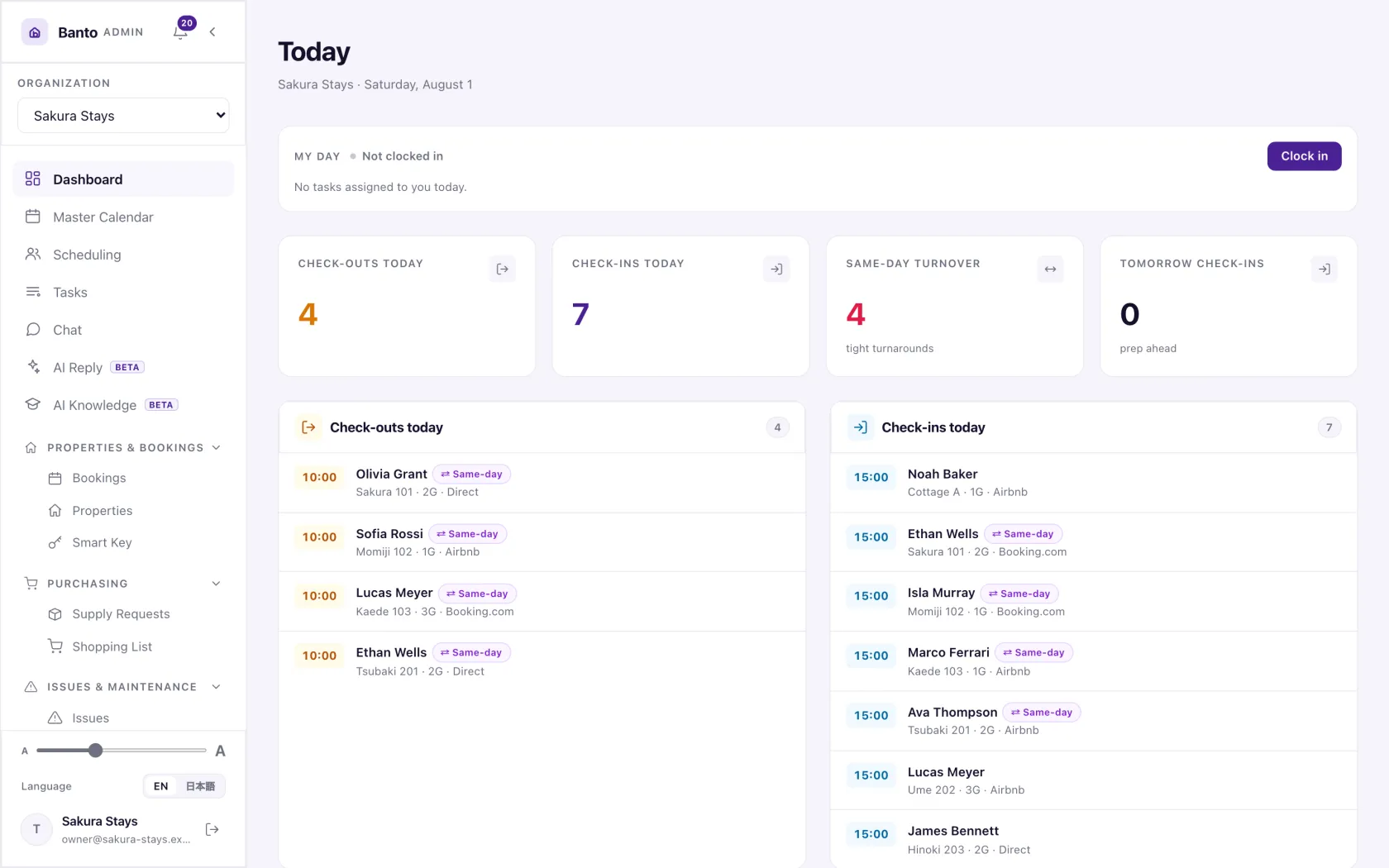
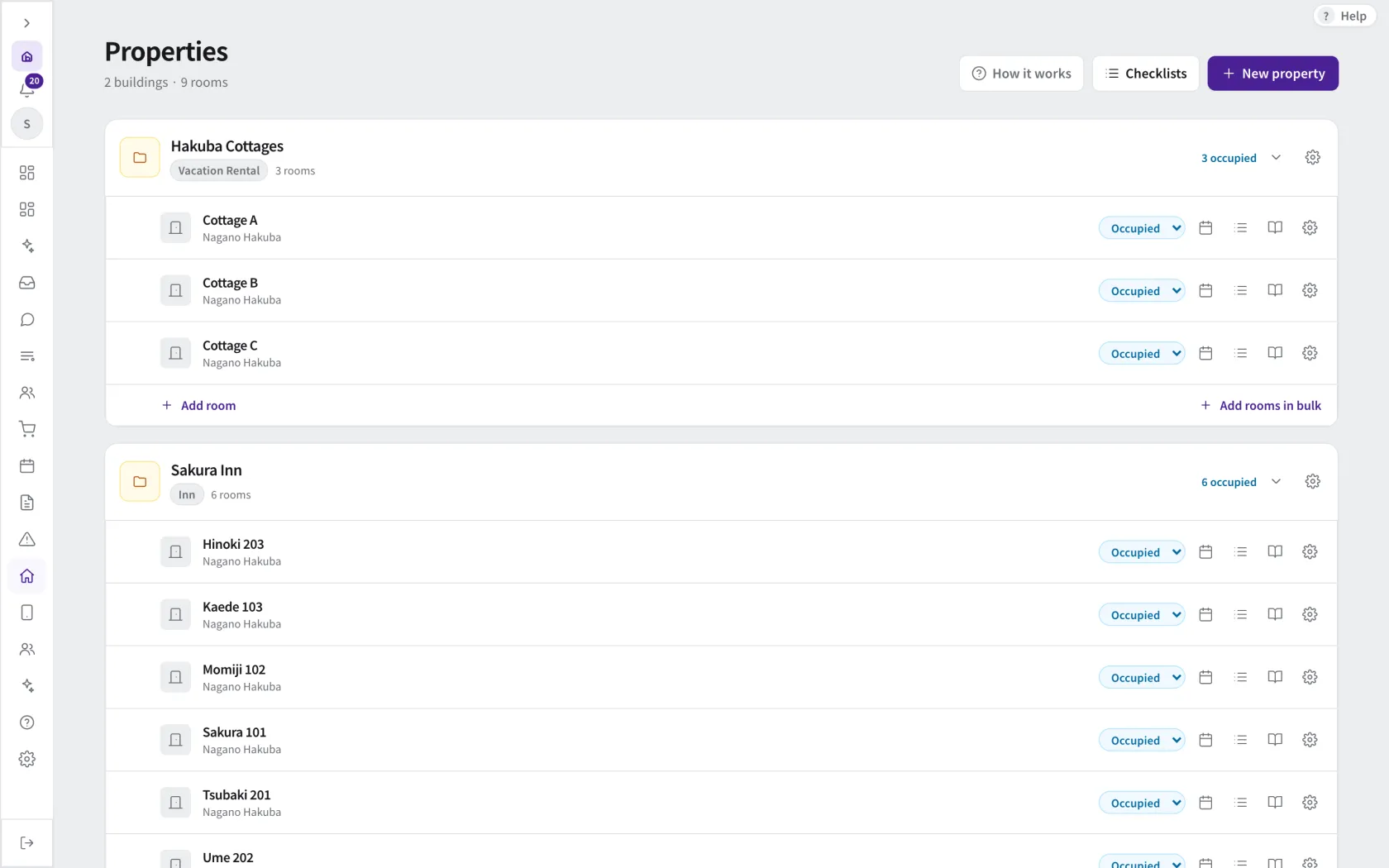
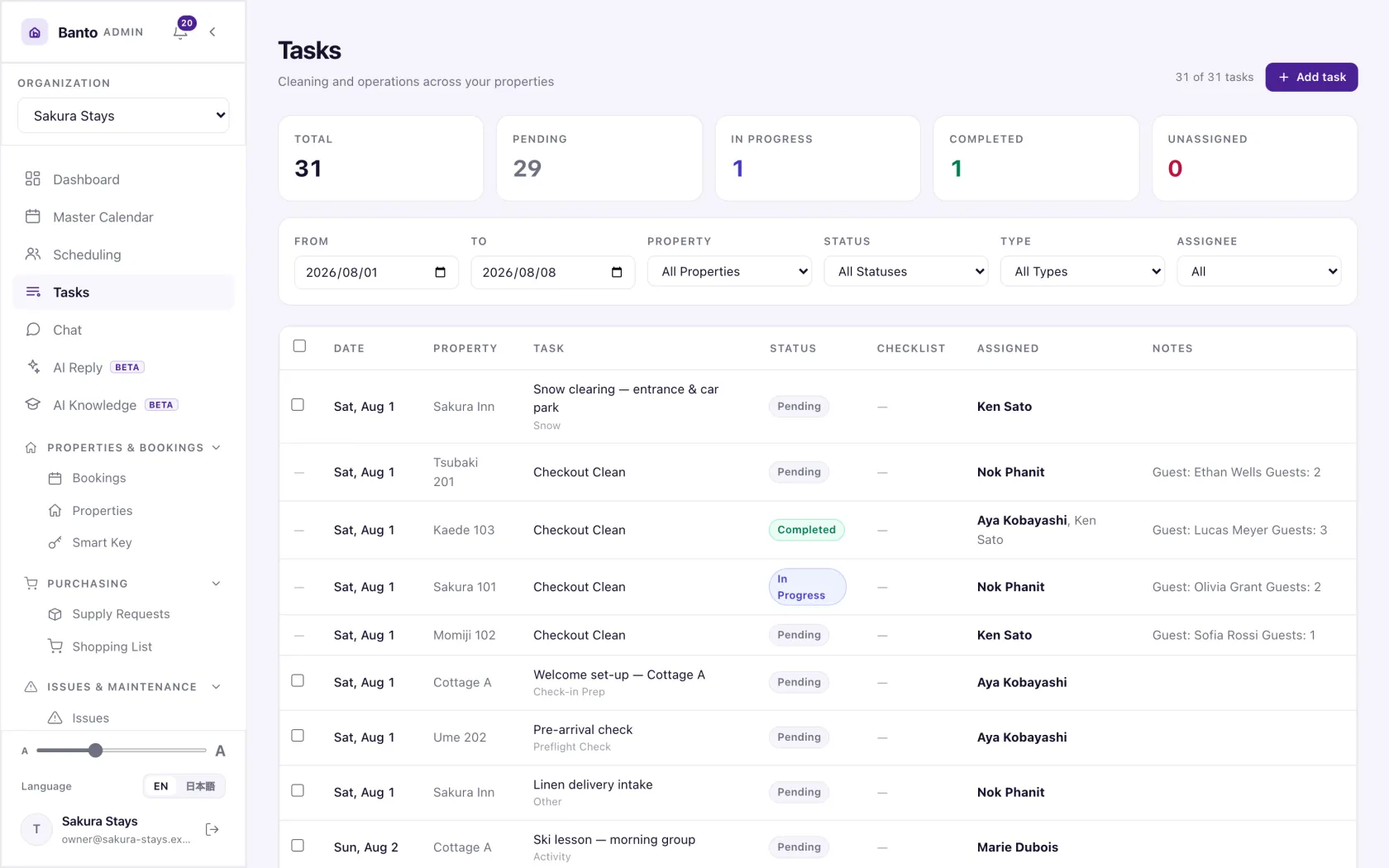
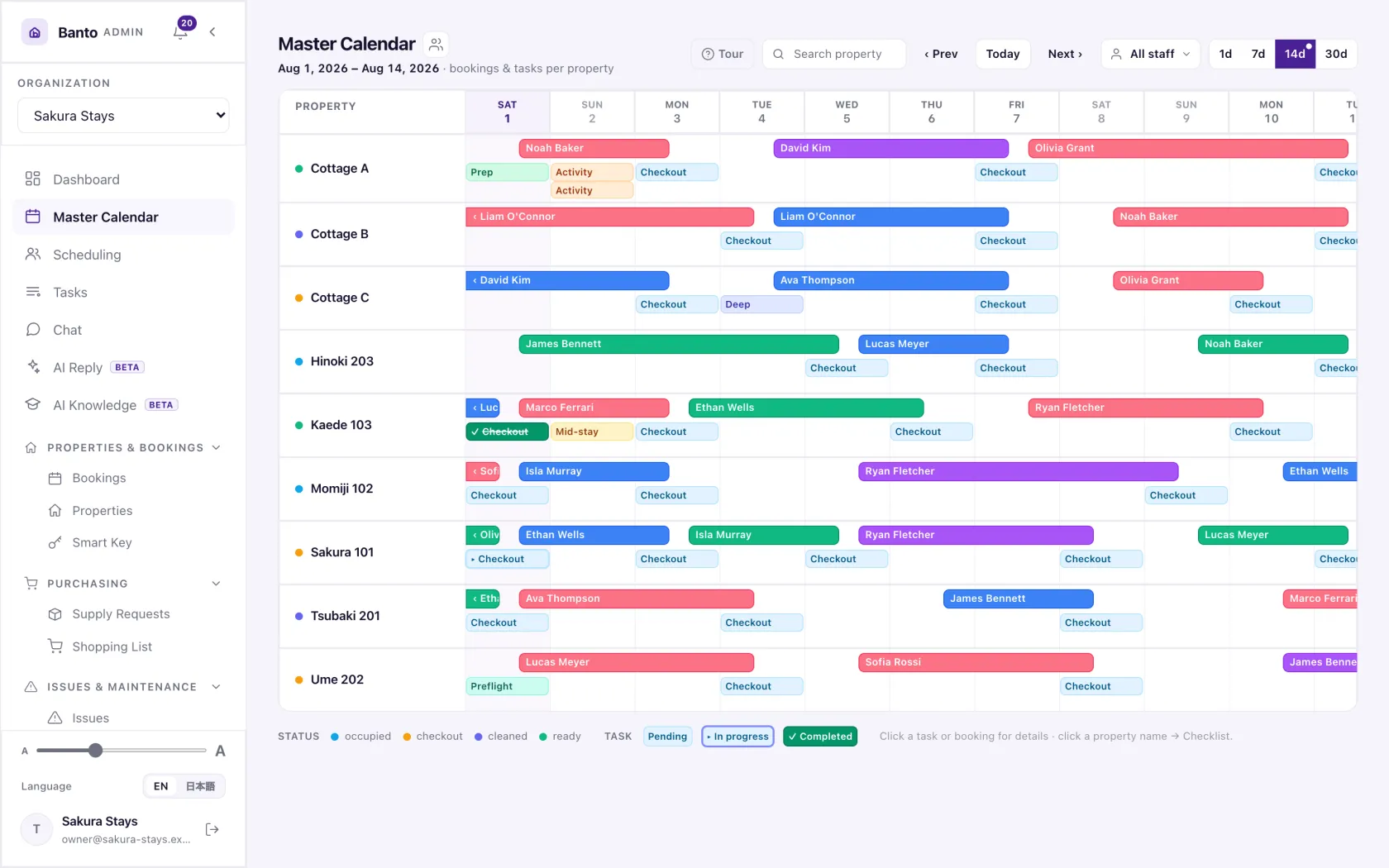
Actual Banto screens with fictional demo data. Interface varies by version and configuration.
Less piecing things together.
More moving things forward.
Keep the context, the assignment and the outcome close to the work.
See what needs doing
Bring booking details and daily priorities into view.
Coordinate the team
Give each job a person, a plan and clear instructions.
Follow through
Review progress, photos and records in Banto.
Make the stay easier. For both sides.
Connect guest information, communication and the work behind each stay. From pre-arrival guidance to requests during the visit.
Explore guest experience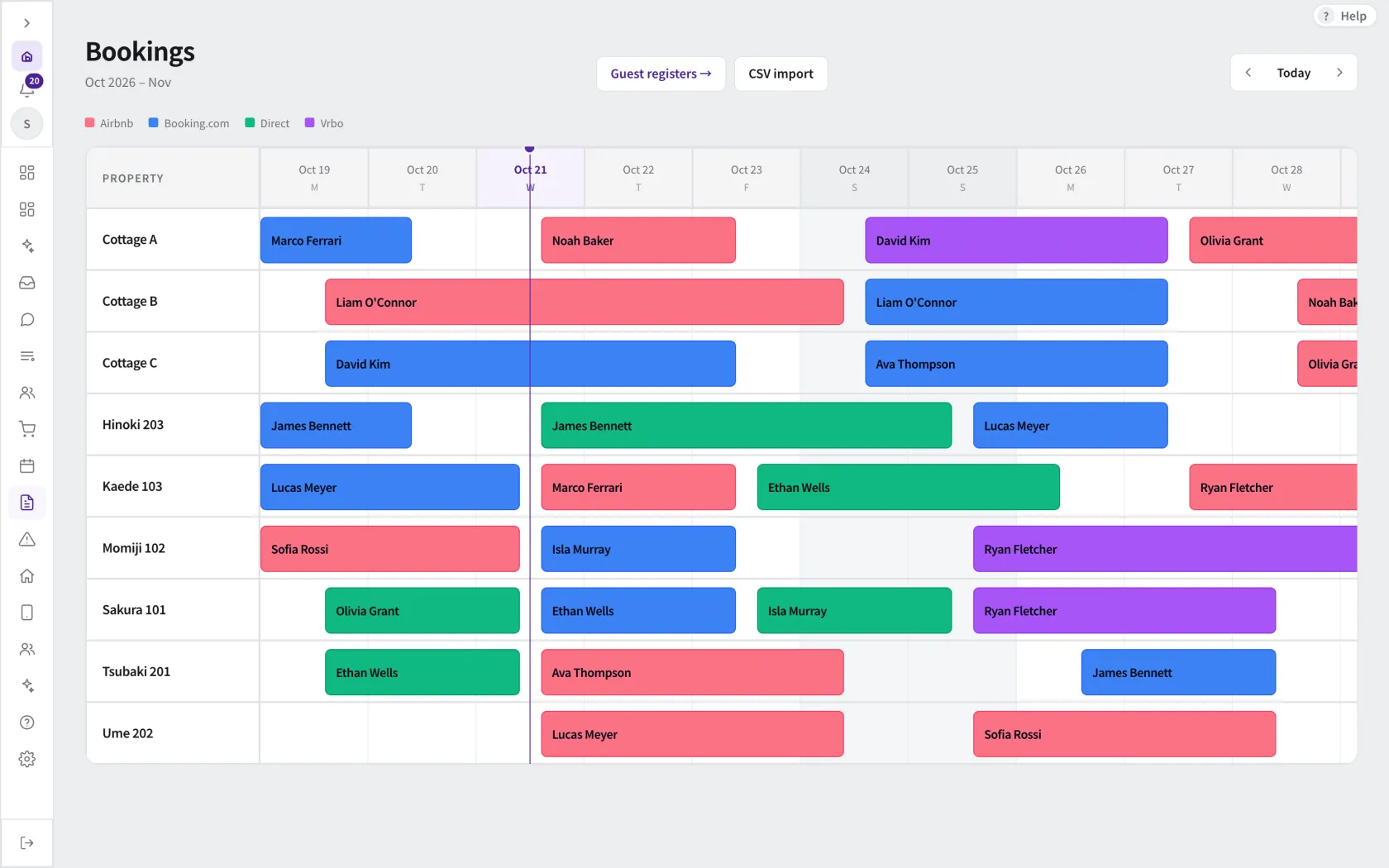
From a task on the list to work you can follow.
Coordinate cleaning, inspections and maintenance. Give people the assignment, instructions and reporting tools to carry the work through.
Explore daily operations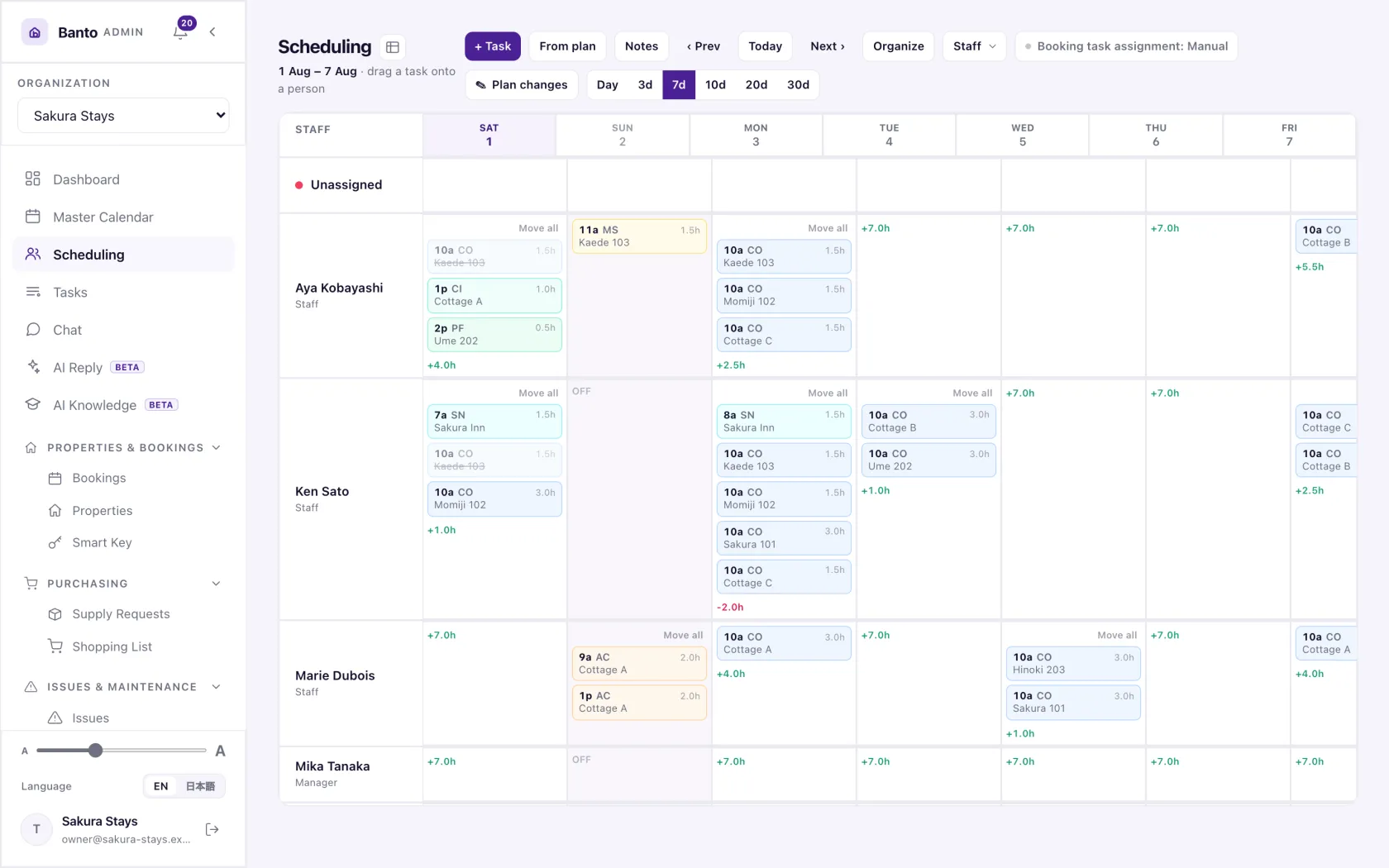
See the day. Keep the team moving.
Bring arrivals, room preparation, team coordination and records into a clearer operational picture.
Explore operations managementStart with the systems you use.
Booking import, messages and payment workflows are different capabilities. Find out how your PMS can work with Banto.
Names identify connection options, not endorsements. Availability and setup requirements differ by provider.
A practical path to getting started.
Check your setup
Your property type, PMS, team and priorities.
Prepare the work
Map properties, people and instructions.
Start with a defined scope
Agree which workflows to introduce and how to check them.
One platform. A clear plan.
Choose Banto Complete with every feature included, or buy only the modules you need with a monthly base plan. Implementation, hardware and third-party services are considered separately.
Explore pricing and modulesSee how your team could work together.
Explore the screens, then talk through your property, your PMS and the work you want to connect.