Make the stay easier. For both sides.
Connect guest information, communication and the work behind each stay. From pre-arrival guidance to requests during the visit.
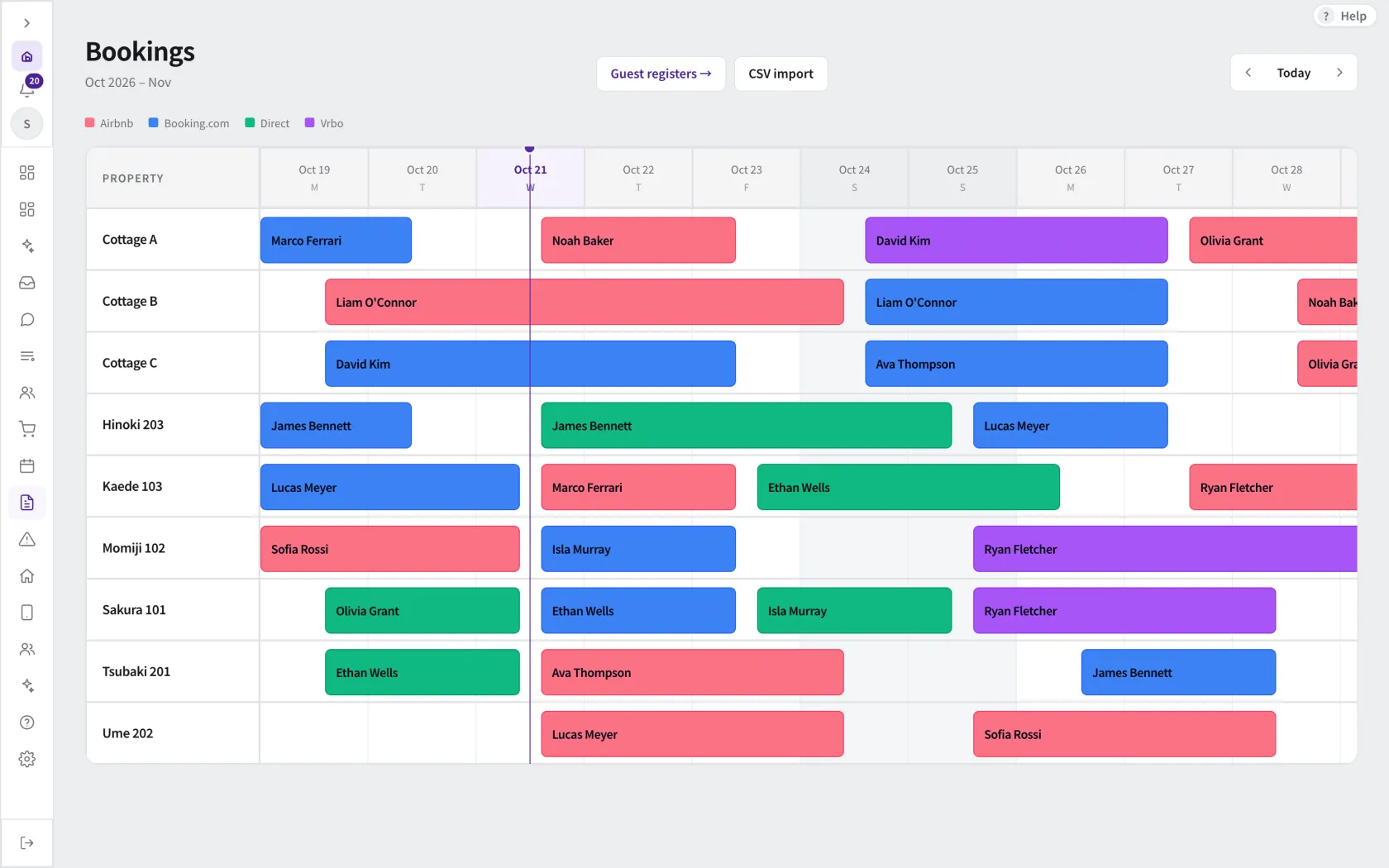
Start with the booking.
Keep the guest, property and stay dates together. Use connected booking information to prepare the right guidance and follow-up.
Take a closer lookGive your team a shared source of answers.
Use your property knowledge for AI-assisted replies. Draft support and configured automatic replies have different controls; choose the appropriate scope and recipients.
Take a closer look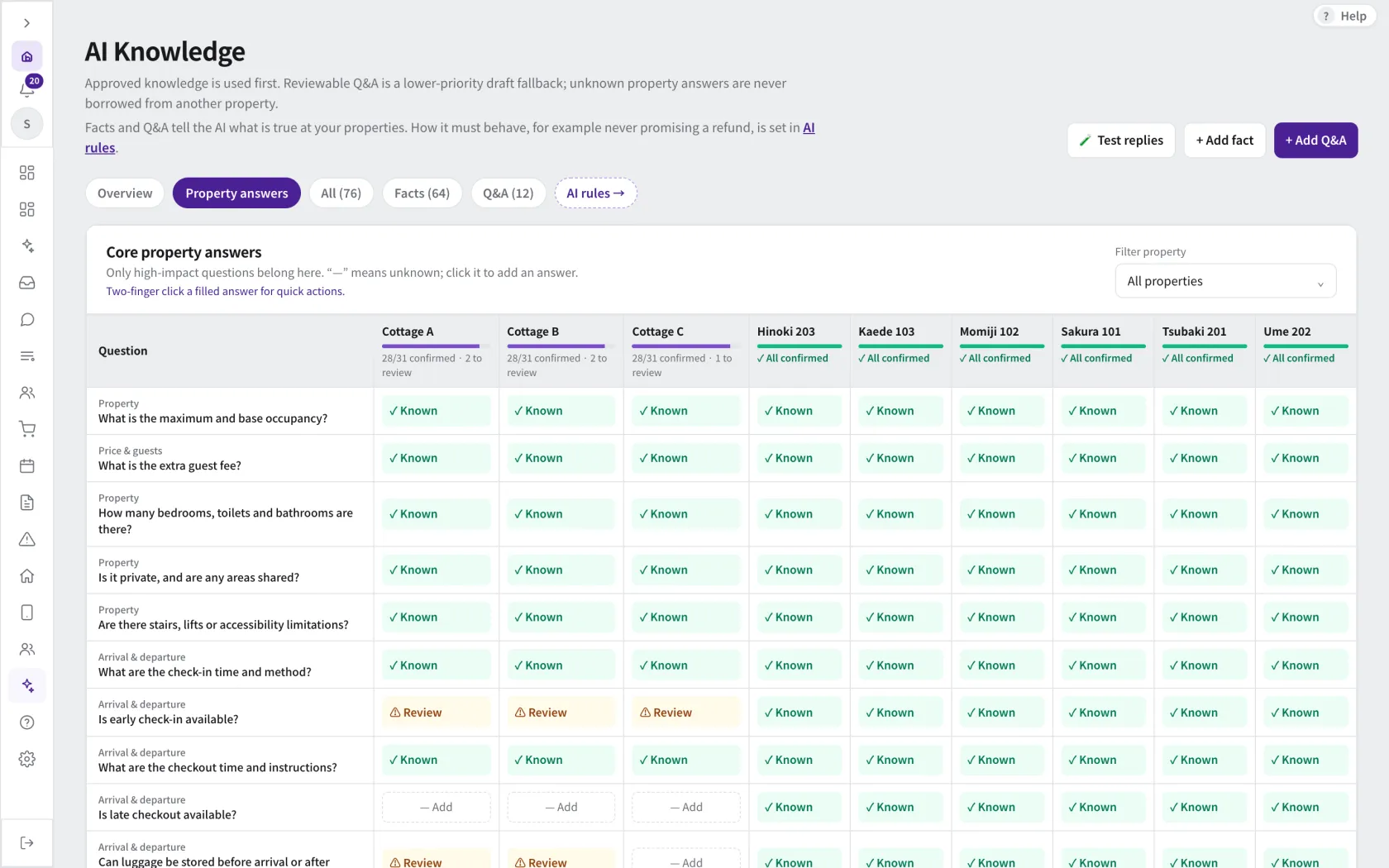
Connect requests with the work to fulfil them.
Keep guest requests and preparation work in the operational picture. Add-on payments and booking changes depend on the connected provider and enabled settings.
Take a closer look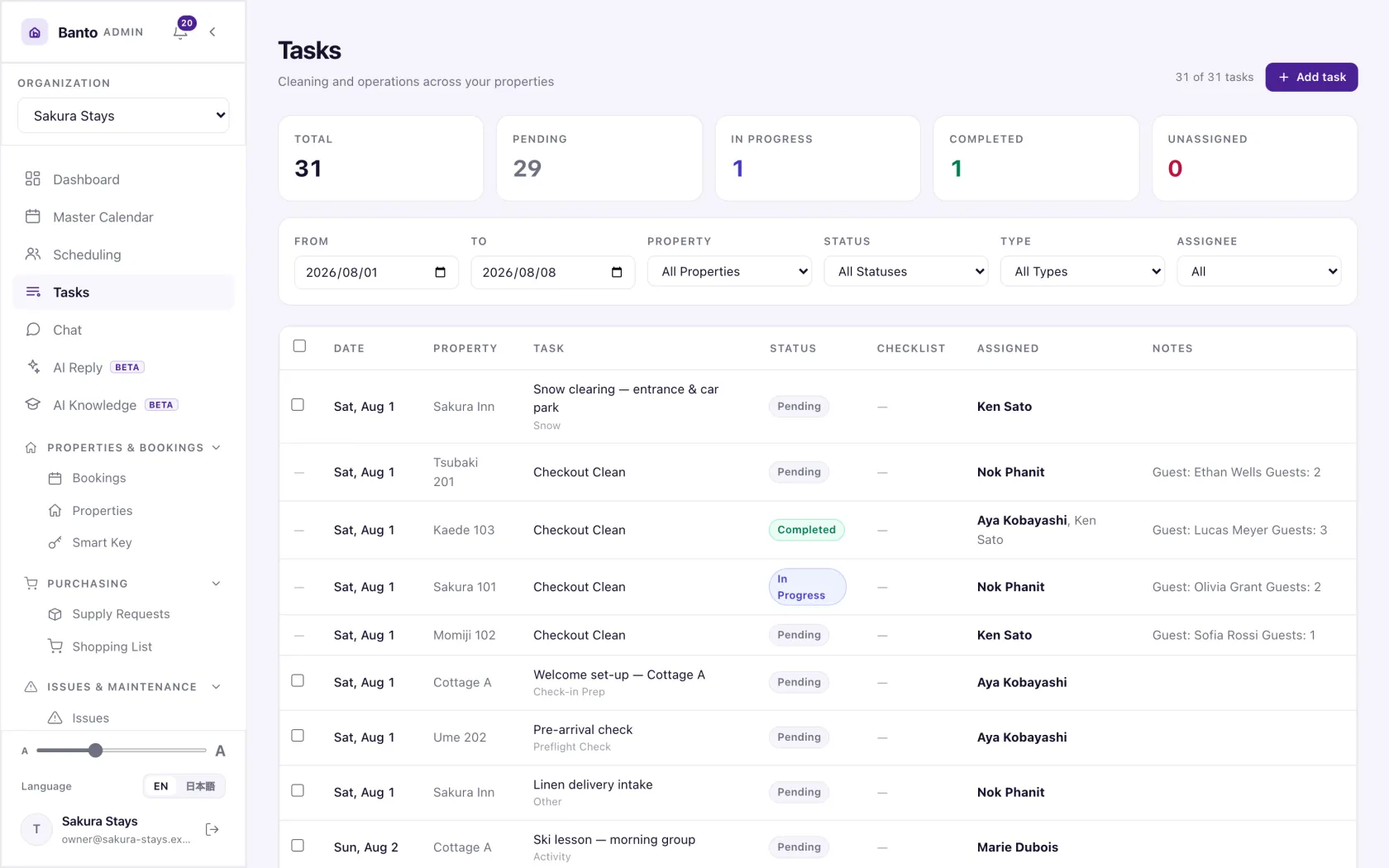
A few things you may be wondering
Can Banto do the same things with every PMS?
Not quite. What they share is bringing your bookings into Banto. Sending messages to guests and charging them for extras depend on your PMS. With Beds24, for example, Banto can add a charge to the booking and issue a payment link; with Staysee it brings in bookings and room assignments only. If your PMS cannot send guest messages for Banto, Banto can email guests instead. Before you start, we check together what works with your PMS.
See how your team could work together.
Explore the screens, then talk through your property, your PMS and the work you want to connect.