AI reply support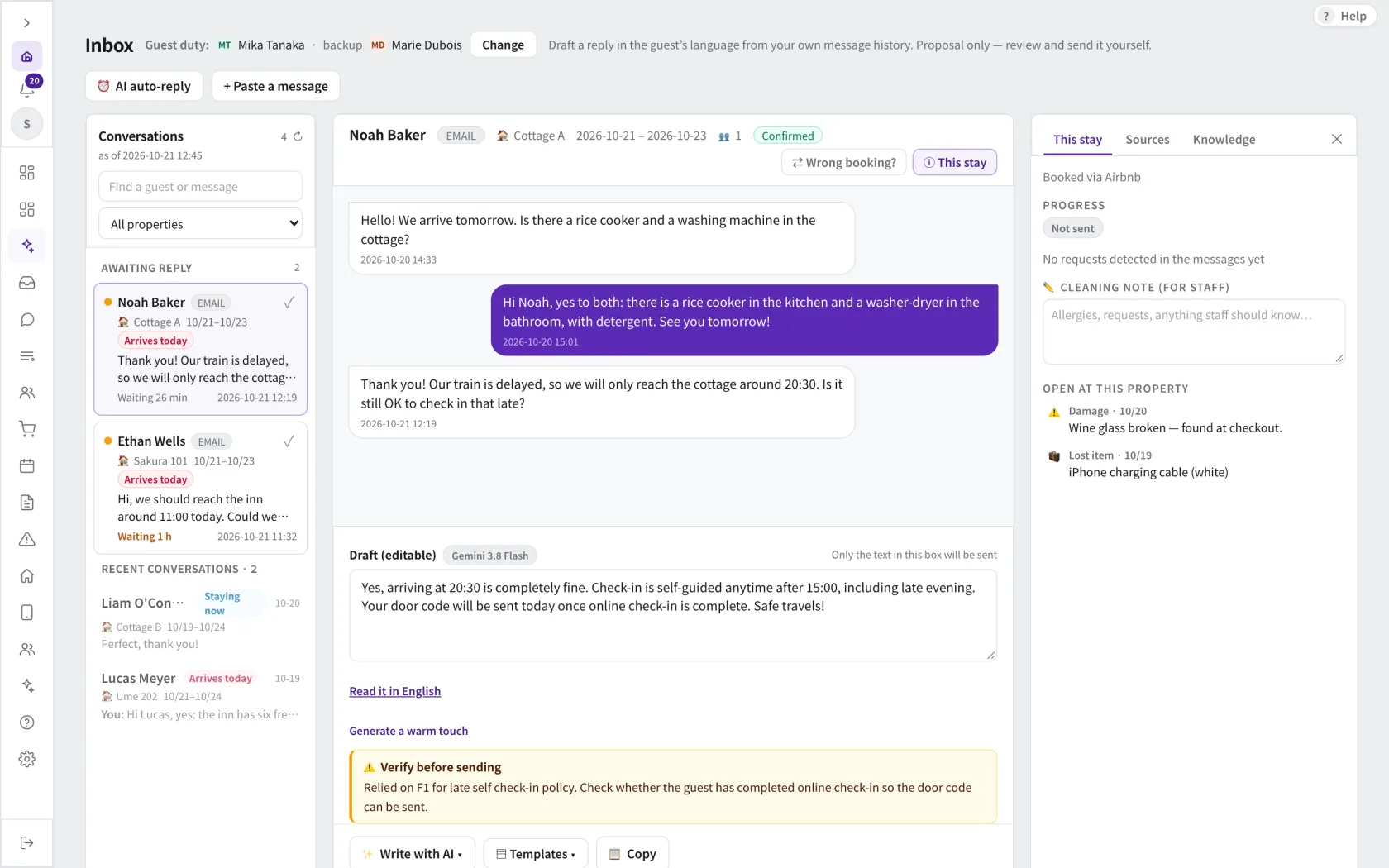
AI reply support · Demo data. Open image to enlarge.
Answer with your property knowledge.
Use your knowledge base for draft replies and configured automatic replies. Automatic sending depends on enabled settings, recipients, timing and the supported message route.
How the work fits together
01
Prepare the knowledge
Provide the property facts that guests ask about, and keep them up to date.
02
Choose the scope
Choose draft review or an enabled automatic-reply workflow with the appropriate limits.
03
Review communication
Check the conversation and take over when a request needs a person’s decision.
See how your team could work together.
Explore the screens, then talk through your property, your PMS and the work you want to connect.